Our Revamped Interface Has Landed: An Enhanced Experience for Teams and Clients

Here at Atarim, we’re always pushing forward to make life easier, smoother, and more productive for agency owners, teams, and enterprises who rely on our platform to deliver high-quality web projects efficiently.

And now, we’re beyond excited to announce something huge. We’ve just rolled out an entirely built from the ground up URL collaboration experience that’s designed to be faster, sleeker, and more powerful than ever.

Built From Scratch: The New Collaboration Engine

This isn’t your typical “under-the-hood” update. We’ve done a near-total rebuild, about 99% of the code has been rewritten, giving us a brand-new foundation for speed, scalability, and simplicity.

Why did we do this?

Because we wanted to bring you a version of Atarim that:

  • Loads faster
  • Feels smoother
  • Works better on every screen size
  • And is built to evolve even faster moving forward

The result is a leaner, cleaner, and more powerful collaboration experience

What else is new? Let’s break it down:

Real-Time Updates & Visual Feedback

Recent updates to the share modal and visual feedback flow have enhanced clarity and efficiency across key interactions, such as sending requests and commenting on tasks. The ability to leave contextual feedback by clicking anywhere on the page remains, now with a smoother and more responsive experience.

Translations: A Brand-New Addition

With a click, you can switch the interface language, making it easier for global teams and clients to navigate and leave feedback in their preferred language.

Smarter Task Control

The latest updates bring a more powerful and streamlined way to manage tasks within the Visual Collaboration interface. Improved filtering and visibility across tasks and requests help ensure that nothing falls through the cracks. And when it comes to leaving new requests, the process is now more fluid, even while actively browsing live pages. 

New Sticker Behavior

Stickers have been enhanced to provide a more intuitive interaction. Now they can be dragged temporarily and will reset to their original position when clicked again or when the page is refreshed. On hover, sticker opacity fades to reveal the underlying UI, and clicking a sticker now toggles the task popover for even smoother feedback navigation.

Auto Screenshot Modal

We’ve introduced a more reliable method of screenshot capture that clearly highlights the selected area during task creation, with an easily accessible preview shown immediately as you create the task.

Image Annotation Modal

Completely rebuilt from the ground up, the new annotation experience is smoother and more stable, making it much easier to create detailed mockups when giving precise visual feedback.

Improved Task Cards

The new task card layout brings more context at a glance, showing read and unread status, user name, timestamp, a title preview, tags, and user avatars. When you hover over a timestamp, you’ll now see the exact date the task was created, and a visual orphaned task indicator alerts you if a task has lost its original location.

A New Era for Client Collaboration

This release puts clarity and efficiency at the forefront: fewer clicks, quicker insights, and smoother collaboration. With redesigned interface elements and improved mobile responsiveness, every enhancement supports a faster, more intuitive workflow. And this is only the first step in a much bigger evolution.

Final Thoughts

While this phase focuses exclusively on URL-based collaboration, the same engine will soon power WordPress, Image, and Chrome Extension collaboration methods, all with consistent UI, powerful task logic, and seamless project feedback capabilities.

We’re incredibly proud of what the team has built, and we can’t wait to see how you use the revamped interface to speed up your workflow, impress clients, and deliver more profitable projects.

This update is already live. Click here to jump in and take it for a spin. 

Got feature requests? Join the conversation in our Discord community or tag us on Twitter/X, we’d love to hear how it’s helping your team.

Here’s to faster feedback, stronger teamwork, and better projects, all powered by Atarim.

Web Agency Summit 2025: The Ultimate Event for Web Agencies!

The Web Agency Summit 2025 is the largest virtual event for web professionals, bringing together agency owners, designers, and digital leaders for five days of groundbreaking insights and transformative strategies.

What started as a crisis solution in 2020, when live events came to a standstill, has now grown into the #1 online event for scaling agencies, optimizing workflows, and future-proofing digital businesses.

For 2025, the Web Agency Summit is bigger and better than ever, designed to give agencies even more tools and connections they need to thrive in an evolving digital landscape:

  • 15,000+ attendees from around the world
  • Exclusive deep-dive sessions on AI-driven UX, automation, scaling high-value clients, building community, and more.
  • A fully virtual experience—no travel, no cost—just powerful insights and networking

And it’s completely free!

A Sneak Peek at What More You Can Expect:

Expert-Led Sessions

There’s going to be free master class sessions across 5 days, including experts from Smashing Magazine, GoDaddy, Canva, and Typeform. 

You’ll learn about cutting-edge design trends, agency scaling strategies, and workflow optimization to enhance client experience and boost efficiency. 

Sessions will feature real-world case studies and expert insights, with a live chat available so you can ask questions and get direct answers from industry leaders.

Here are a few of our incredible speakers you can look forward to:

Céline Riemenschneider, Canva

Céline Riemenschneider, Canva’s Creators Community Lead, has played a pivotal role in shaping how brands cultivate engaged digital communities. With over a decade of experience in community-driven growth strategies, she understands how agencies can harness the power of online audiences to increase brand awareness and client engagement. 

In her session, she’ll break down proven tactics for building loyal communities that drive business growth, whether you’re a solo agency owner or a large-scale operation.

Vitaly Friedman, Smashing Magazine

Vitaly Friedman, the co-founder of Smashing Magazine, is an expert in UX design, front-end development, and digital performance optimization. Having worked with major organizations like the European Parliament and Axel-Springer, he understands what it takes to create seamless digital experiences that convert.

His session, Design Patterns for AI Interfaces in 2025, will provide agencies with cutting-edge UX strategies for AI-driven platforms, helping you future-proof your web projects and exceed client expectations.

Dimitra Papastathi, Typeform

Dimitra Papastathi, Principal Brand Designer at Typeform, has been instrumental in maintaining Typeform’s distinctive brand identity while balancing innovation and consistency. Her expertise in visual storytelling and brand coherence will be invaluable to agencies working on high-impact digital design projects. 

In her session, she’ll share best practices for creating visually compelling and cohesive brand experiences, ensuring that agencies can differentiate themselves and maintain a strong brand presence in an increasingly crowded digital space.

Stay tuned to our social media channels for upcoming speaker announcements and other exciting updates, we can’t wait to share them with you!

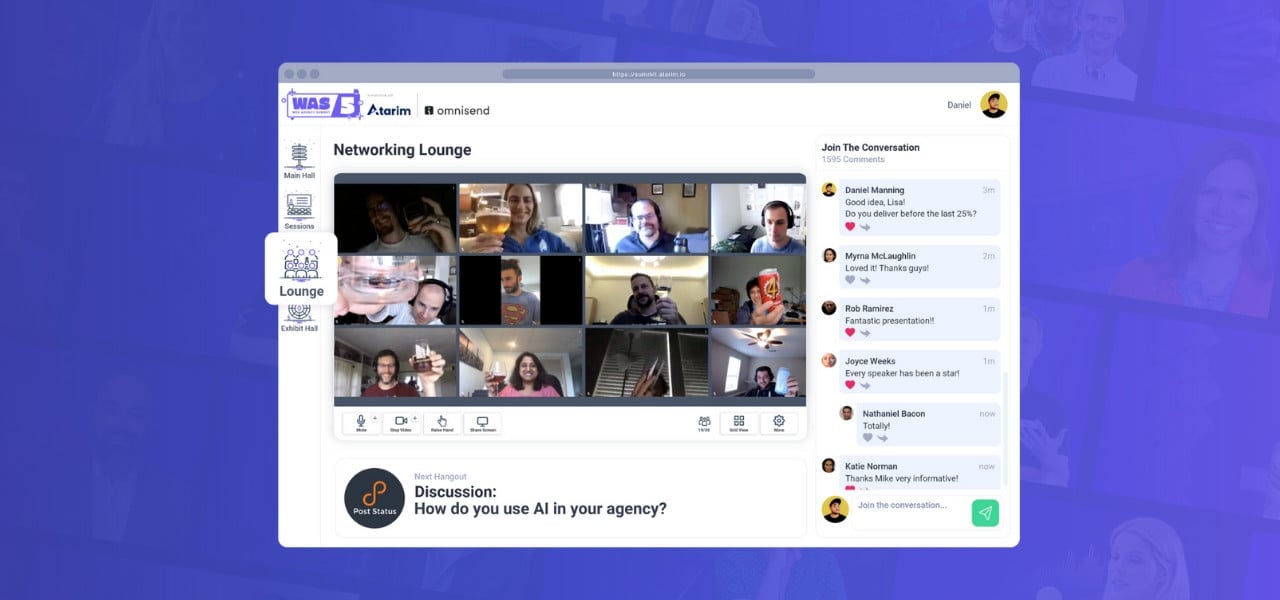
Networking Lounge

Ask anyone who’s been to a Web Agency Summit and they’ll tell you this is where the real connections happen. 

Grab a virtual seat, join the conversation, and connect with people who truly understand your work. Whether you’re seeking new clients, collaborators, or fresh ideas, this is the perfect space to build meaningful connections. There’s no set agenda, just a welcoming place to network and exchange ideas with great company.

Exhibit Hall

The exhibit hall is your chance to meet people behind some of the biggest brands you use every day, including companies like Omnisend, GoDaddy, and WP Engine. Discover exclusive agency deals, get hands-on with the latest digital tools, and speak directly with product founders to find solutions tailored for your business needs.

And for a little extra fun, spin the prize wheel for a chance to win exciting giveaways while you explore the latest solutions. 

You never know what you might walk away with!

Meet Your Hosts

Your hosts for the Web Agency Summit 2025 are industry leaders who bring a wealth of experience in web development, business growth, and open-source innovation. 

Vito Peleg, founder of Atarim, has helped thousands of agencies streamline their workflows and scale efficiently. 

Stephanie Hudson, co-founder of Focus WP, is a powerhouse in agency operations and outsourcing, sharing her expertise on optimizing processes and client management. 

Robert Jacobi, a recognized leader in the open-source and hosting space, brings deep insights into WordPress, business strategy, and emerging web technologies. 

Together, they will guide you through the summit, engaging with top speakers and ensuring an informative and dynamic experience.

Final Thoughts

The Web Agency Summit 2025 is your gateway to scaling your agency, mastering new tools, and connecting with industry leaders who are shaping the future of web development.

15,000+ attendees. 5 days. Expert insights you won’t get anywhere else.

Whether you’re an agency owner, project manager, or digital entrepreneur, this is your chance to gain the strategies and connections you need to thrive in 2025 and beyond.

Click Here to Sign Up For Free! 

Stay tuned for speaker announcements and insider updates.

Got questions? Drop them in the comments, we’re here to help and can’t wait to see you there!

How To Write Project Specifications (Example & Guide)

Specifications are an important part of any project. They lay out the requirements for what needs to be delivered, and they provide a roadmap for the project team. But how do you go about writing specifications?

If you don’t specify what the project is all about, there’s always a risk that things will go sideways, and scope creep will eventually find its way in. Whether you’re working on launching a website or a digital project, laying out the specifications for the project is critically important. 

In this guide, we are going to discuss all the details about writing project specifications and provide a template for a project specification document that you can use. Let’s go! 

What is a Project Specification Document?

A project specification document (PSD) is a living document that outlines the scope of a project. It includes the project’s objectives, deliverables, timeline, and budget. The project specification document is created during the planning phase of a project and is reviewed and updated throughout the project’s lifecycle.

A well-written project specification document is essential to the success of a project. It ensures that all stakeholders have a clear understanding of the project’s objectives and deliverables. 

It also allows for better management of the project’s timeline and budget. Without a clear and concise project specification document, it is difficult to track progress and ensure that the project stays on track.

Dynamic Project Scoping: Connecting Client Briefs Directly to Deliverable Tasks

In modern web development and agile digital agencies, static 20-page PDF project specifications often break down during live production cycles. Lengthy documents create version ambiguity, trap client feedback across disparate email threads, and invite scope creep as soon as design iterations begin.

Dynamic project scoping bridges this gap by turning client requests into structured, actionable specifications and automated execution plans. Rather than manually translating messy briefs and back-and-forth emails into separate work orders, autonomous AI workflows can ingest client inputs, define clear project boundaries, and spin up deliverable tasks for your team.

Plug autonomous AI specialists into your agency workflow to scope projects, generate specifications, and execute tasks automatically. Explore Atarim →

How to Write Project Specifications

The PSD acts as a blueprint for the project, providing information on what the objectives of the project are, what needs to be delivered, who will be involved, and how much budget has been allocated.

Here are a few tips for how to create a solid project specification document.

Define the scope of the project 

The first step in creating a PSD is to define the scope of the project. This means outlining what the project aims to achieve and what deliverables are expected. It is important to be as specific as possible at this stage so that there is no confusion later on down the line.

Once the scope has been finalized, it should be approved by all stakeholders before work on the project begins.

Identify the stakeholders 

Who will be using the end product? Who will be affected by the project? These are the stakeholders. It’s important to identify them early on so that you can tailor the specifications to their needs.

Gather input from all stakeholders

Once you’ve identified the stakeholders, it’s time to gather input from them. This can be done through interviews, surveys, or focus groups. 

The goal is to get a clear understanding of their needs and expectations for the project. 

Create a timeline for the project 

After the scope has been approved, it’s time to start creating a timeline for the project. This will involve mapping out all of the tasks that need to be completed and assigning them deadlines. 

It is important to be realistic when creating the timeline so that there is no pressure on team members to meet unrealistic goals. Once the timeline has been created, it should be reviewed and approved by all stakeholders.

Assign roles and responsibilities

Now that you have a clear picture of what needs to be done and when it needs to be done by, it’s time to start assigning roles and responsibilities. 

This includes deciding who will be responsible for each task and making sure that everyone understands their role in the project. 

It is important to ensure that there is enough overlap between team members so that no one feels like they are being overloaded with work. 

Once roles and responsibilities have been assigned, they should be reviewed and approved by all stakeholders.

Define a communication plan

Communication is key to any successful project, so it’s important to set up a communication plan at this stage. 

This involves deciding how team members will communicate with each other, and with stakeholders, during the course of the project. 

It is important to make sure that everyone understands how they can raise any concerns they may have about the project. 

Once the communication plan has been put in place, it should be reviewed and approved by all stakeholders.

Draft a preliminary version of the specifications

Now it’s time to start drafting your specifications. Begin by creating a skeleton outline of what needs to be included. Don’t worry about getting everything perfect at this stage; just get your thoughts down on paper (or in a digital document). 

Add a deliverables section 

The deliverables section lists all of the end products that will be delivered as part of this project. These could be anything from reports and presentations to software applications or websites. 

For each deliverable, include a brief description, as well as information about who will be responsible for creating it and when it will be due. This helps to ensure that everyone knows what needs to be done – and the deadline. 

Define the project budget

The budget section outlines all of the costs associated with completing the project. This might include things like labor costs, materials costs, or marketing expenses. 

Be sure to include both fixed costs (those that won’t change regardless of how long it takes to complete the project) and variable costs (i.e., those that will fluctuate based on how long it takes to complete the work). 

Doing so will give you a more accurate picture of how much money needs to be allotted for this particular undertaking. 

Get feedback on the draft specification from all stakeholders

Show your draft specification to all stakeholders and solicit their feedback. What do they like? What don’t they like? What’s missing? Use this feedback to improve your specification before finalizing it.

Finalize the specifications after getting approvals

Once you’ve incorporated all of the feedback, you’re ready to finalize your specification document! 

Make sure to get approval from all stakeholders before moving forward with the project; this will help ensure that everyone is on the same page and avoid surprises down the road. 

Make sure all stakeholders understand the specifications

The final step is to make sure that everyone involved in executing the project understands and agrees to follow the specification document. 

This includes not only those within your organization but also any external partners or contractors working on the project. 

Revise and review regularly

One of the most important things to remember about a PSD is that it is not set in stone – it should be reviewed and revised regularly as needed throughout the course of the project.

Things will inevitably change as a project progresses, so it’s important to make sure that your PSD evolves along with it.

By regularly reviewing and revising your PSD, you can help ensure that your project stays on track and meets its objectives successfully.

Project Specifications Document Template

Here’s a free template for project specifications that you can use:

Project Title: [add title here]

Project Date: [add project starting date here]

Project Manager (s): [add project manager(s) here]

Key members: [add names of key people here]

Project Scope:

  • Add the scope of the project.
  • You can also add the quality assurance (QA) plan here, as it falls within the scope of the project. 

Initial Stage 

  • Add a summary of the entire project 
  • Define any key steps required to kick off the project 

Key Personas

  • Who is your end user? Define your key personas for the project. 

Deliverables

  • Outline the key deliverables, including responsible individuals for each.

Timelines

  • Define the deadlines for each milestone/deliverable. 

Risk Log

  • You can prepare a log of all risks or issues faced by stakeholders throughout the project. 

Budgets

  • You can add the total budget for the project and then add the expenditure, including net burn, as the project progresses. 

Communication Plan

  • Identify key individuals, add their contact details, including their responsibilities. 

Key Takeaways (Optional)

  • If you prefer, you can also use this section to outline any important lessons learned throughout the project. 

A Project Specifications Document Improves Project Performance

A well-written specification document is essential for any successful project. By taking the time to outline the purpose, goals, deliverables, and requirements for your project, you can ensure that everyone involved knows exactly what needs to be done in order for the project to be successful. 

Execution becomes much simpler when your scoping process connects directly to delivery. When project requirements translate automatically into clear milestones, tasks, and technical guardrails, your team avoids costly rework and keeps client work moving forward.

With Atarim, your team gets an autonomous AI web agency plugged directly into your workflow. Atarim scopes briefs into actionable project specifications, coordinates specialist agents for audits, content, and development, and delivers technical work under your agency’s brand.

Plug Atarim into your agency today and automate your project delivery.

If you’re interested in learning more about writing project specifications and management, this paper on Initiating a Project is an excellent read.

20 Must-Have Email Templates for Web Developers

Writing the same email over and over again for different clients does get a bit boring. If you are a web developer or designer, it’s very likely that a significant amount of your communication with clients takes place via email.

But, having to constantly write emails does get a bit repetitive, and will eat up your time very quickly. Streamlining your email communications could save you a great deal of time, allowing you to focus on more important things.

Almost all successful agency owners and web developers (especially WordPress developers) have a range of email templates that they use consistently. Having a set of email templates will streamline communications dramatically, as all you have to do is to switch out the person’s name and just click “send.”

Bear in mind that there’s even a more effective way of communicating with clients and teammates – templates are great but they also seek a bit of time! With Atarim you can reduce the time of communication to seconds and improve communication and your efficiency! Interested to know more? Get more details here!

So, we compiled a list of the most used email templates for web developers and designers. Add these to your communication arsenal, and you’ll find yourself breezing through responses throughout the week!

Table of contents:

  1. For Discussing the Web Design Brief
  2. For Highlighting Issues in the Website Besides Design
  3. For Extending a Deadline
  4. For Handling Late Payments
  5. For Turning Down a Project
  6. For Convincing a Hesitant Client to Sign the Contract
  7. For Sending the Finished Wireframe
  8. For Requesting Additional Funds
  9. For Requesting a Case Study
  10. For Seeking Referrals
  11. For Client Onboarding
  12. For Requesting More Information
  13. Cold Emails
  14. Setting Deadlines for Project Stages
  15. For When a Client Doesn’t Deliver the Content or Approves the Design on Time
  16. Friday Round-up Report
  17. Notifying the End of a Project Stage and Starting Another
  18. For Requesting a Review (Google/Facebook)
  19. Jumpstarting a Dead Project
  20. For When the Agency Needs More Revenue
  21. Simplify Emails to Maximize Productivity

1. For Discussing the Web Design Brief

This one’s fairly obvious. You have a new client who has sent you some important requirements for their web design. However, you have more questions about the web design brief and would like to discuss it further with them.

Because this happens too frequently, it’s best to keep a template for this handy. Here’s one that you can use.

Subject line: I have a few questions about the web design brief you sent.

Email Template:

Hello [client’s name],

I hope you’re well. I went over the brief you sent and have a few questions. I’d like to discuss it a bit deeper in detail so that we are both on the same page.

Let me know what time suits you best. You can also schedule a meeting with me here: [add Calendly link].

Kind regards,

[Your name here].

2. For Highlighting Issues in the Website Besides Design

Web designers and developers get all sorts of briefs from clients. In many cases, there might be a few issues that you notice on the website that aren’t related to the design of the site at all. It’s always a good idea to inform your clients about this. Here’s a simple template that you can use.

Subject line: I noticed a few issues on the site that aren’t related to the design.

Email Template:

Hello [client’s name],

I went over your website and noticed a few issues that aren’t design-related. Here’s what I found:

[List issues down in bullet points].

Do you need help with fixing these, or will you tackle them on your own? I thought I’d bring them to your attention.

Kind regards,

[Your name here].

3. For Extending a Deadline

Sometimes, a project may get delayed. If you think that you won’t be able to deliver a project on time, it’s always a wise idea to ask for an extension on the deadline. You can explain the reason for the delay as well.

Subject line: I’d like to request a slight extension on the deadline.

Email Template:

Hi [Client’s name],

I’d like to request a slight extension on the original deadline for this project. I’ve suffered a delay because of [add reasons here].

As a result, I won’t be able to submit the work that was due on [add original date of delivery]. I can complete it by [add revised date of delivery here].

I understand this does set back things a bit, and I apologize for it.

Is the new deadline feasible for you?

Kind regards,

[Your name here].

In some cases, a delay might affect your client’s planning significantly. In such situations, you might want to offer them a discount as well. You could add this line as well:

To make up for the delay, you can deduct [add amount or percentage here] from my fee.

4. For Handling Late Payments

There are always those clients that fail to pay on time. It’s best to have a template ready when a client misses on a payment so you can remind them of the dues. Here’s a simple template for requesting late payments.

Subject line: Payment reminder email.

Email Template:

Hello [client’s name],

I noticed that the payment for invoice #[add number here] is still pending. I sent the invoice on [add date here]. It’s late by [add number of days here].

I understand that you are busy, but I’d greatly appreciate if you could go over the invoice and clear my dues as soon as possible.

Kind regards,

[Your name here].

5. For Turning Down a Project

Whether you are swamped with work or just not in the mood to take another project on, it’s best to have a template that you can use to turn down a project every now and then. Here’s a simple template that you can use to decline a project.

Subject line: I’m sorry, I can’t take this project on right now.

Email Template:

Hello [client’s name],

Thank you so much for considering me to handle your web design project. Unfortunately, I cannot take this up right now. That’s because [add reason here].

I can, however, take it up after [add duration here, if you intend to take it up later on]. Is that something that you’d be interested in?

If you need urgent assistance, I’d recommend [add a referral here]. If you want, I can connect you with them.

Kind regards,

[Your name here].

6. For Convincing a Hesitant Client to Sign the Contract

There are always a few clients who might be hesitant or “evaluating their options.” Some might stick to their guns, but you can try to convince them that you are the person for the job. Here’s one template that you can use.

Subject line: Let’s get started!

Email Template:

Hello [client’s name],

I see you haven’t signed the contract yet. I understand this is the first time we are working together, but trust me, your website is in great hands. Here’s what some of my other clients have to say:

[add a link to testimonials or social proof here].

I take great pride in my work. If you have any questions before you sign, please do let me know. I’d love to answer them for you.

Kind regards,

[Your name here].

7. For Sending the Finished Wireframe

You are done with the wireframe and just have to send it to the client. Attaching a small note in the email usually helps. Since it’s something you will do so frequently as a designer, just use this template:

Subject line: Here’s the completed wireframe!

Email template:

Hello [client’s name],

I’ve attached the completed wireframe. Please take a look.

Kind regards,

[Your name here].

Alternatively, you can also use this line:

Here’s the link to the completed wireframe: [add a shareable link here].

Let me know what you think!

8. For Requesting Additional Funds

It’s likely that certain projects might exceed the original budget. That could be due to scope creep by the client, or it might be due to budget overruns. Here’s a template that you can use to request additional funds.

Subject line: We require some additional funds to complete the project.

Email Template:

 Hello [client’s name],

As you know, work has been progressing smoothly on the project. However, as a result of [add reasons here], we will need some additional funds to complete the project.

We require [add amount here with breakdown for cost allocation].

If you’d like to discuss this further, let me know.

Kind regards,

[Your name here].

9. For Requesting a Case Study

From time to time, you might want to create a case study based on the work that you have done for a client. This could be used for promoting your agency. But, you will want to seek your client’s permission before creating one. Here’s a template that you can use for this purpose.

Subject line: Would you be interested in a case study?

Email Template:

Hello [client’s name],

We are really pleased that you are satisfied with the work. I was wondering, would you be interested in a case study? Think of it as a co-marketing opportunity that helps us both. We’ll create a case study based on the work that we did for you, and share it on several channels.

Let me know if that’s something you’d be interested in.

Kind regards,

[Your name here].

10. For Seeking Referrals

Referrals are a great way to find some more clients. Here’s a simple template to ask for referrals.

Subject line: Do you know someone else who could benefit from my services?

Email Template:

Hello [client’s name],

I was just wondering if you know someone else who could benefit from my services? If you have any contacts that you could refer my way, that’d be awesome!

I’d really appreciate it.

Kind regards,

[Your name here].

In order to incentivize the recipient, you could also add the prospect of a referral discount in the mix.

In case of a successful referral, I’ll give you a [add percentage here] discount on your next project!

11. For Client Onboarding

Once a client signs up, your next step is to onboard them. The onboarding email makes it easy to get both parties on the same page, so your clients know how the project will run.

Subject line: Your onboarding email

Email Template:

Hello [client’s name],

First of all, thank you for choosing us for your project. I look forward to a fruitful work relationship!

I went through the documents that you sent, and I believe I have everything I need to get started. If there’s something else, I will reach out to you. I’ll send you regular updates at [add intervals here], and the final version should be ready by [add initial deadline here].

If you use a project management tool like Asana or Basecamp, you can invite the client as well.

I’m sending you a link from [add tool name here]. You can use that for communication and for tracking the progress of the project. If there’s anything else you’d like to know, don’t hesitate to mail me!

Kind regards,

[Your name here].

12. For Requesting More Information

There are always going to be times where you’ll require some more information from clients to get the job done. Here’s a simple template that you can use for that purpose.

Subject line: I need more information about [project name]

Hello [client’s name],

I will need some more information about [add details here] to complete the project. Please send it at the earliest.

Kind regards,

[Your name here].

13. Cold Emails

Cold emails can land you serious business if you know how to write good ones. Writing a new cold email every time is often difficult, but here’s a basic template to use.

Subject line: I think I can improve your website!

Email Template:

Hello [recipient’s name],

I recently came across [add their company name] from [add source], and thought I’d reach out to you. I am [add name here] and I own [add your agency name].

I went through your site and feel there’s some room for improvement. Here are my suggestions:

[add suggestions in bullets]

We recently did a project for a client and completed it in under two weeks. The website we built is responsive and snappy, and it’s ideal based on the current web design trends.

Let me know if that’s something that you’d be interested in. You can also check some testimonials about my work here: [add link].

Thank you, and I look forward to your reply.

Kind regards,

[Your name here].

14. Setting Deadlines for Project Stages

Before you start work, it’s important that you set milestones and deadlines for different project stages. Here’s a simple email template that you can use.

Subject line: Deadlines for [Project Name]

Email Template:

Hello [client’s name],

I have created a timesheet for the work, along with the deadlines. I’ve broken down the project into X stages. Here are the deadlines for each:

[add deadlines here].

Let me know if you agree with these or would like to propose an amendment.

Kind regards,

[Your name here].

15. For When a Client Doesn’t Deliver the Content or Approves the Design on Time

In case the client fails to give their approval or deliver the content for the website on time, it could delay the entire project. Here’s a template that you can use to remind them.

Subject line: Reminder for content OR Reminder for Approval of Design

Email Template:

Hello [client’s name],

I am still waiting for the content/approval for your website. Unless I get the content/approval, I can’t move forward. This will lead to a cascading effect that delays all subsequent deadlines. Please send it at the earliest.

Kind regards,

[Your name here].

You might also want to follow up with the client in case they don’t respond:

Subject line: Follow-up – Reminder for content OR Reminder for Approval of Design

Email Template:

Hello [client’s name],

This is a follow-up to my last email, which was sent X days ago. I still haven’t received an update from your side. Please respond at the earliest.

Kind regards,

[Your name here].

16. Friday Round-up Report

You can also send a Friday round-up report to all your clients, letting them know about relevant updates on their project or sharing an interesting article with them.

Subject line: Your Friday Round-up Report

Email Template:

Hello [client’s name],

Here’s what we completed last week:

[add details here].

Work is coming along nicely, and I hope you are satisfied so far! Also, I came across an interesting article that I’d like to share with you. It focuses on [add topic here], and makes for an excellent read. Check it here [add link].

Kind regards,

[Your name here].

17. Notifying the End of a Project Stage and Starting Another

As you move from one stage of the project to another, you need to inform your clients. Here’s a simple template that you can use.

Subject line: We are moving to [add project stage] after completing [add project stage]

Email Template:

Hello [client’s name],

Just wanted to let you know that Project Stage X has been completed. We have begun work on Project Stage Y.

Kind regards,

[Your name here].

18. For Requesting a Review (Google/Facebook)

Social proof is necessary for growing your agency. You can request a review from your existing clients for Google or Facebook using this template.

Subject line: I’d love to hear about your experience!

Email Template:

Hello [client’s name],

I’m so pleased that you like our work. I would really appreciate it if you could post a review of your experience with us on Facebook or Google. Here are the links:

[add links here]

We are a growing agency, so every bit helps. If you don’t mind, can I also share this review on my social channels? It’ll help us immensely.

Kind regards,

[Your name here].

19. Jumpstarting a Dead Project

If a client hasn’t responded in several weeks, you might want to shoot them the following email to see if you could jumpstart a dead project.

Subject line: This project’s been quiet for a while. Should we pick it up again?

Email Template:

Hello [client’s name],

I see that we haven’t corresponded in a while, and the project’s been completely silent. We can complete the work in [add duration here].

It’ll be great for both of us if we finish this quickly. Please let me know how you want to proceed with this.

Kind regards,

[Your name here].

20. For When the Agency Needs More Revenue

You could propose an upsell or a cross-sell to clients at times as well. This will help increase your revenue too. Here’s a simple template that you can use.

Hello [client’s name],

I’m very pleased that you like the work so far. We believe we can also add more value to your site. I’ve been going through it, and here are a few suggestions:

[add your suggestions here].

Let me know if that’s something you’d be interested in discussing. As a valued client, I guarantee you the best prices!

Kind regards,

[Your name here].

Simplify Emails to Maximize Productivity

Many web designers and developers get bogged down with emails during the course of the day. That doesn’t have to be the case. Use these templates to breeze through your inbox and reach the mythical “inbox zero” so that you can focus on your work! 

Email templates can definitely help a lot when it comes to making the most out of your time, but even with email templates you can easily get overwhelmed (i.e. searching for the template you need, filling in the details, etc).

That’s why here at Atarim we believe that email communication in your agency is history. As a perfect but also unique client-facing web agency management platform, you can increase the efficiency of communication and stop going back and forth with your clients over email. Sign up for Atarim now and improve everyday performance


The Best Places To Find Design & Development RFPs

A request for proposal, commonly known as an RFP, is a business document that’s commonly used to announce a new project, or updates to an existing project. The RFP generally provides details about the project, and requests organizations to tender bids for it.

The purpose of an RFP is to solicit bids from interested parties. Governments commonly use RFPs to announce and launch new projects, often seeking services from private agencies and companies. RFPs are generally posted on public platforms so that they can reach wider audiences.

As an agency owner, knowing how to find the best design & development RFPs is critical for the growth of your company. It’ll help you get more projects and find clients through a formal process.

Why Agencies Should Focus on Monitoring RFP Platforms

There are a number of reasons why agencies should focus on monitoring RFP platforms, starting with the most obvious one: it can help you find more clients!

Another reason why agencies need to be serious about monitoring RFP platforms is that time is of the essence during this process. Almost all requests for proposals come with a deadline, and if you check an RFP too late, chances are it might’ve expired by then.

Many businesses also take special note of the early applicants, so responding to an RFP early could definitely improve your chances of getting a bid accepted. In an industry where competition is rife, it’s important for agencies to make sure that they regularly bid on new projects to outpace the competition.

Note: UpWork (and these well-known UpWork alternatives) are also great places to find leads. Contrary to popular belief, lots of larger businesses actually use these platforms to hire talent.

The 8 Best Places to Find Design & Development RFPs

If you’re looking for the best places to find design and development RFPs, here are the most popular options.

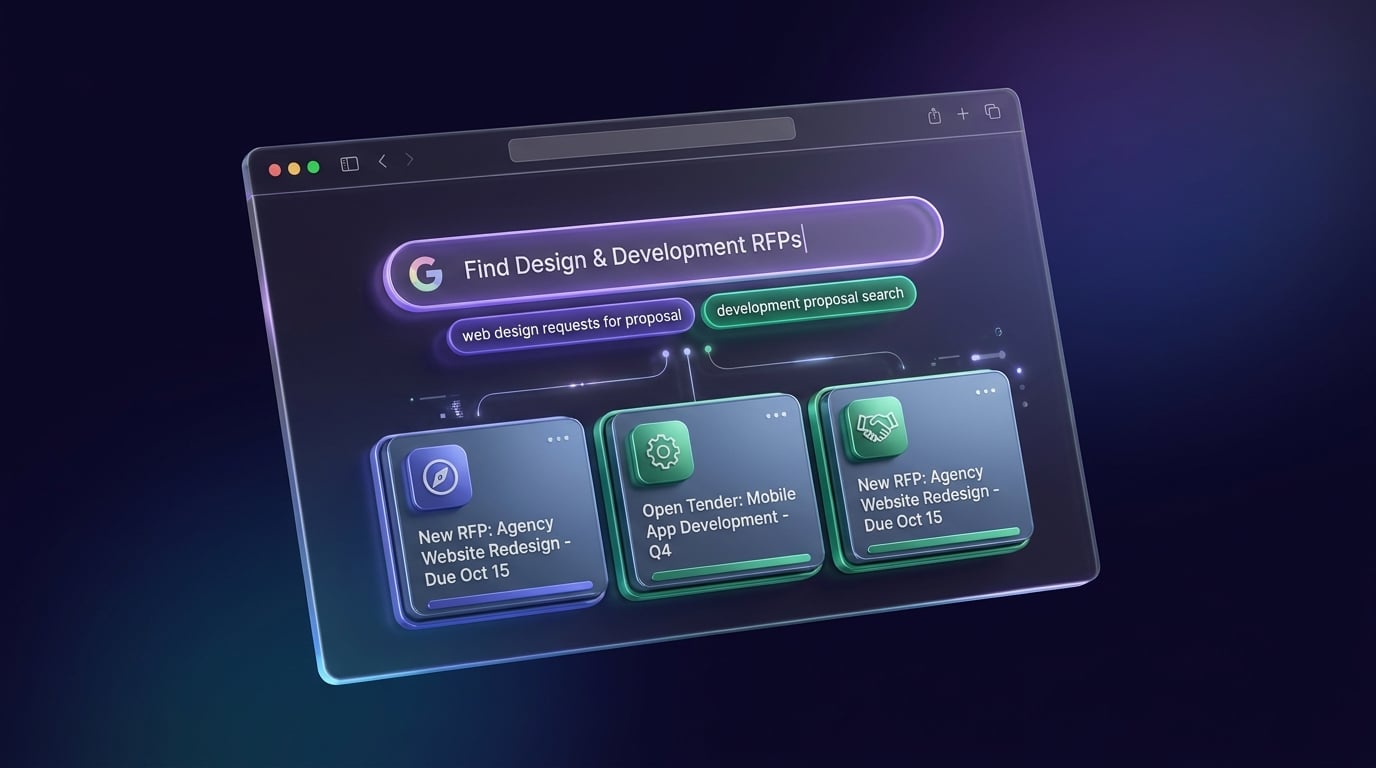
Google Search for design and development RFPs illustration

One of the best ways to search for RFPs online is to use Google Search. It’s the most powerful search engine in the world, and as an agency owner, you need to know how to use it effectively.

When searching for design & development RFPs, simply searching for the keyword won’t be enough. Searching for RFPs on Google is a great idea, simply because it indexes millions of sites in a day.

Here’s how you can search for RFPs on Google:

  1. Start by typing in the keyword for what you need. For instance, if you’re searching for design RFPS (as shown above), type that in.
  2. Many companies upload RFPs in PDF format, so to qualify your search, simply add “filetype: PDF” to the query.
  3. This’ll return all relevant RFPs uploaded recently. Of course, not all of these will be valid, but you can find some decent ones this way!
  4. Again, it’s important for you to make sure that you regularly check this to stand any chance of finding viable RFPs.

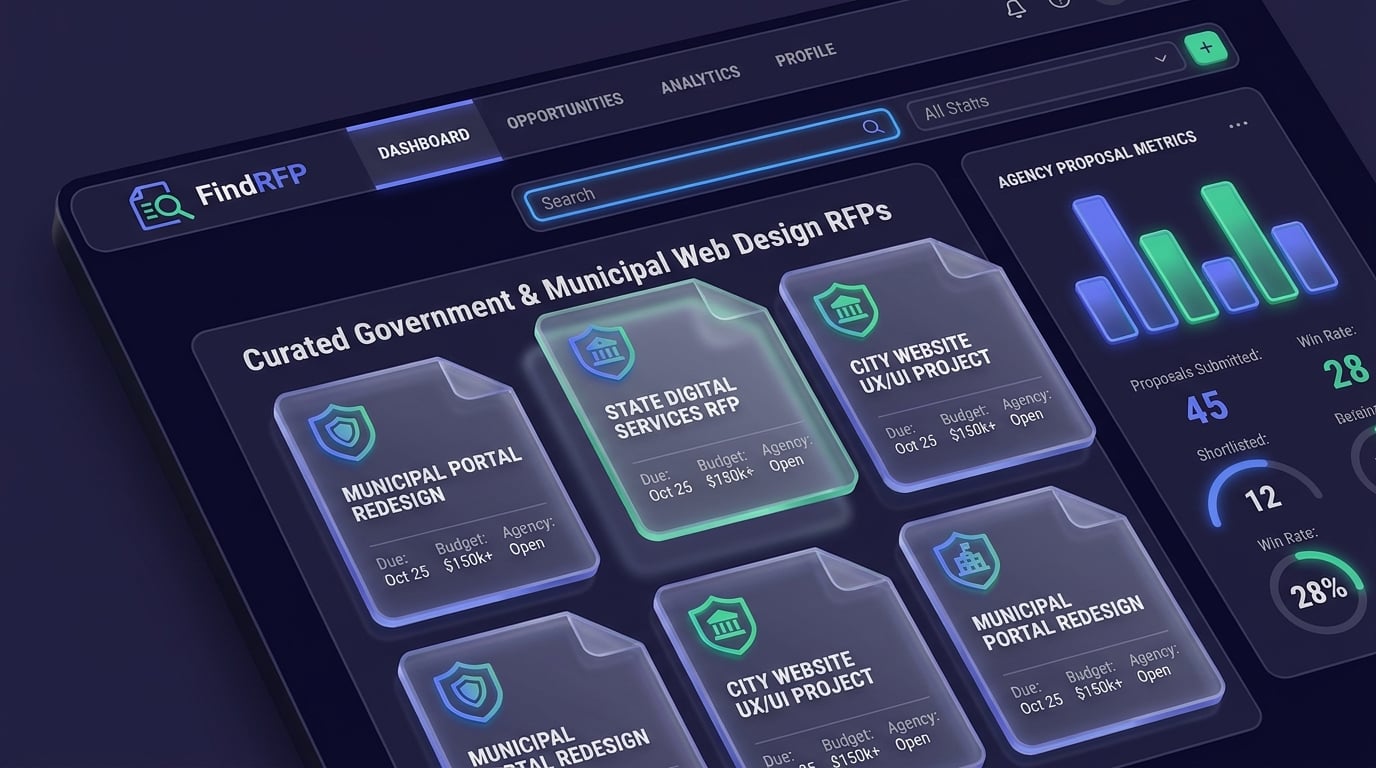
2. FindRFP.com

FindRFP platform illustration

Another fantastic option that you would want to consider is FindRFP.com. This is an excellent platform for finding different design & development RFPs, though you’ll have to subscribe to one of their paid plans. The pricing is as follows:

  • Regional plan: $19.95/month
  • National plan: $29.95/month

Discounted annual plans are also available for both, so you can save money if you choose to pay annually instead of going with a monthly fee. They also have custom group plans available, though those are for larger

FindRFP has been around since 1995, and they regularly curate RFPs from a variety of different sectors. They mainly curate RFPs from local, federal, and state governments.

You can sort RFPs by industry, and they also have a fantastic newsletter that you can subscribe to. They’ll send you relevant RFPs in the design and development niche as soon as they’re published, so you could be one of the first to apply.

FindRFP sources its RFPs from corporations and governments from all over the United States & Canada, two of the biggest markets in the world. Even without a subscription, you can see a partial list of RFPs that have been recently posted. However, you will require a subscription to view these RFPs.

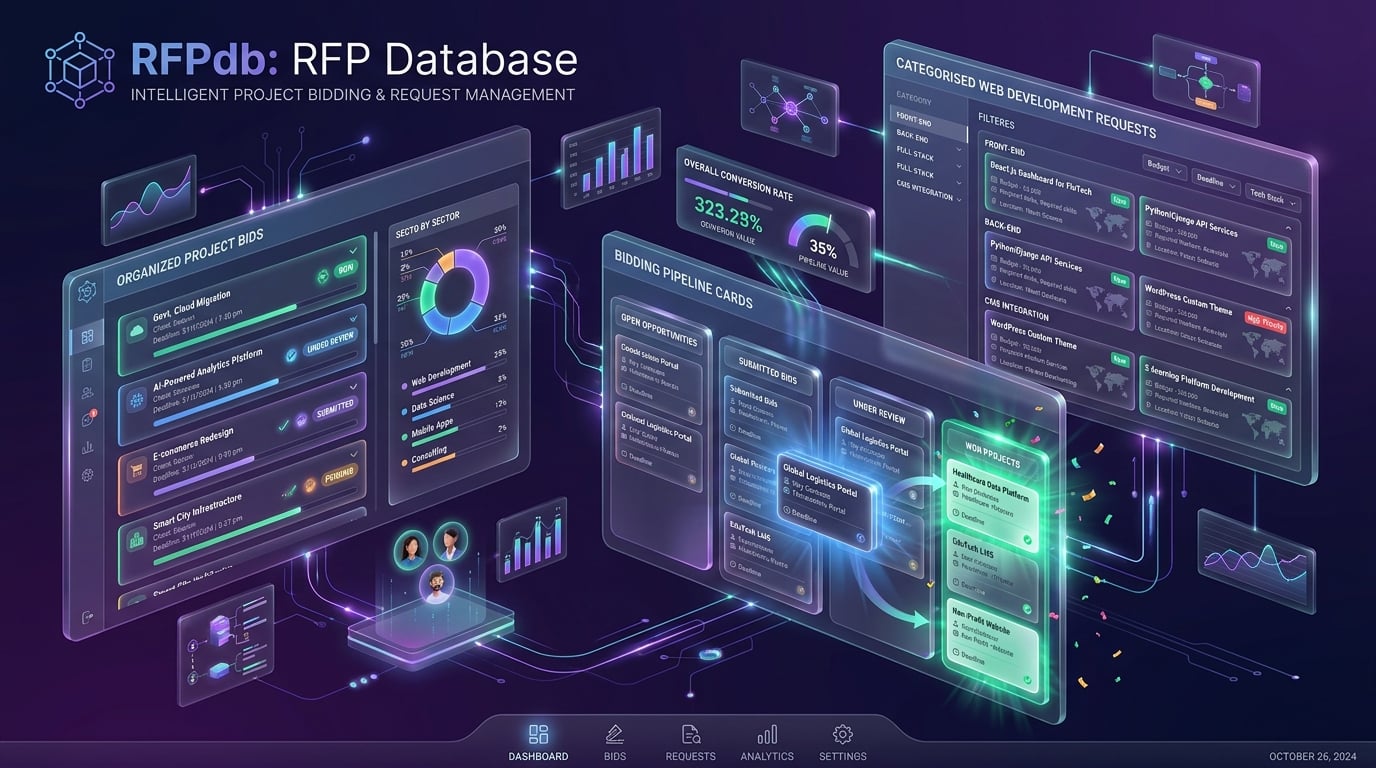
3. RFPdb.com

RFP Database platform illustration

Another fantastic option that you can use to search for design & development RFPs is RFPdb.com. The RFP Database curates RFPs from three popular markets, including the United States, Canada, and the European Union.

The RFP Database curates RFPs from a bunch of different industries, including web development and design. This one’s different from others on this list as it allows users to submit their own RFPs, instead of curating them from different sources.

You can submit RFPs that you’ve found from other databases to earn credits. These credits can then be used to view RFPs that have been submitted by others, creating a micro-economy as a result.

This also helps foster a good balance, because you can’t just join in and start viewing all the RFPs without submitting some yourself. Since it relies primarily on user submissions, this platform doesn’t limit itself to government RFPs only.

However, the downside to this is that this database isn’t as detailed as many others. So, you can’t use this as your primary source of RFPs — you will want to use other tools as well.

There’s no subscription fee or costs associated with using the RFP Database. However, you will still have to register an account before you become eligible to use any of the features on the website.

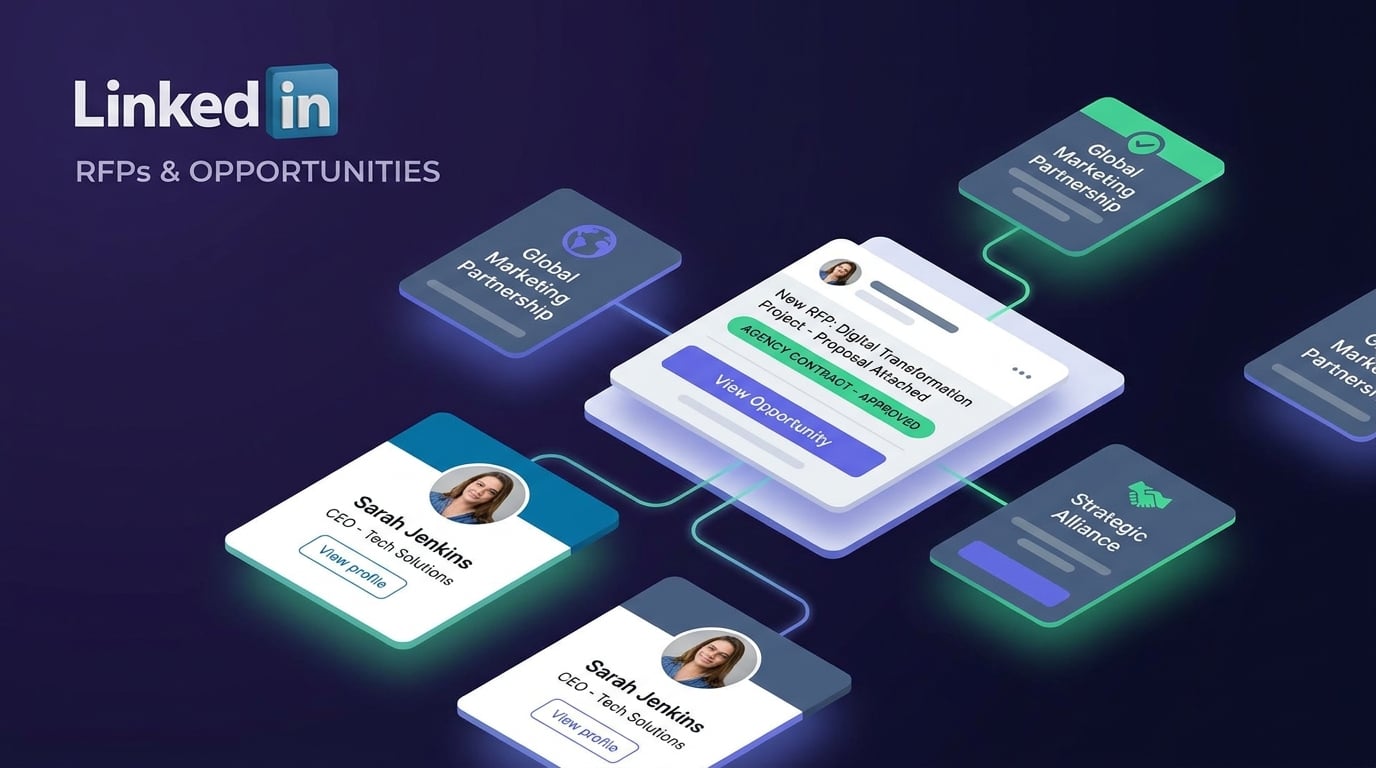
4. Linkedin

LinkedIn RFPs search illustration

LinkedIn is the largest professional social network in the world, making it a fantastic place to search for RFPs. Ideally, if you know your stuff, you can find anywhere between 10-15 RFPs on the platform each week.

To search for design RFPs on LinkedIn, you need to run a search. For instance, write “RFP website design” and run a search on the platform.

You can filter the results by Content to only see results from companies that have recently published a post. Then, just sort the results by Latest to get recent updates.

As you can imagine, most of the results won’t be relevant. You’ll find yourself filtering through a bunch of results before you eventually find something relevant.

Ideally, the best approach to using LinkedIn to find design and development RFPs is to search every week. Make it a habit to run a search regularly, and you’ll find relevant RFPs every now and then.

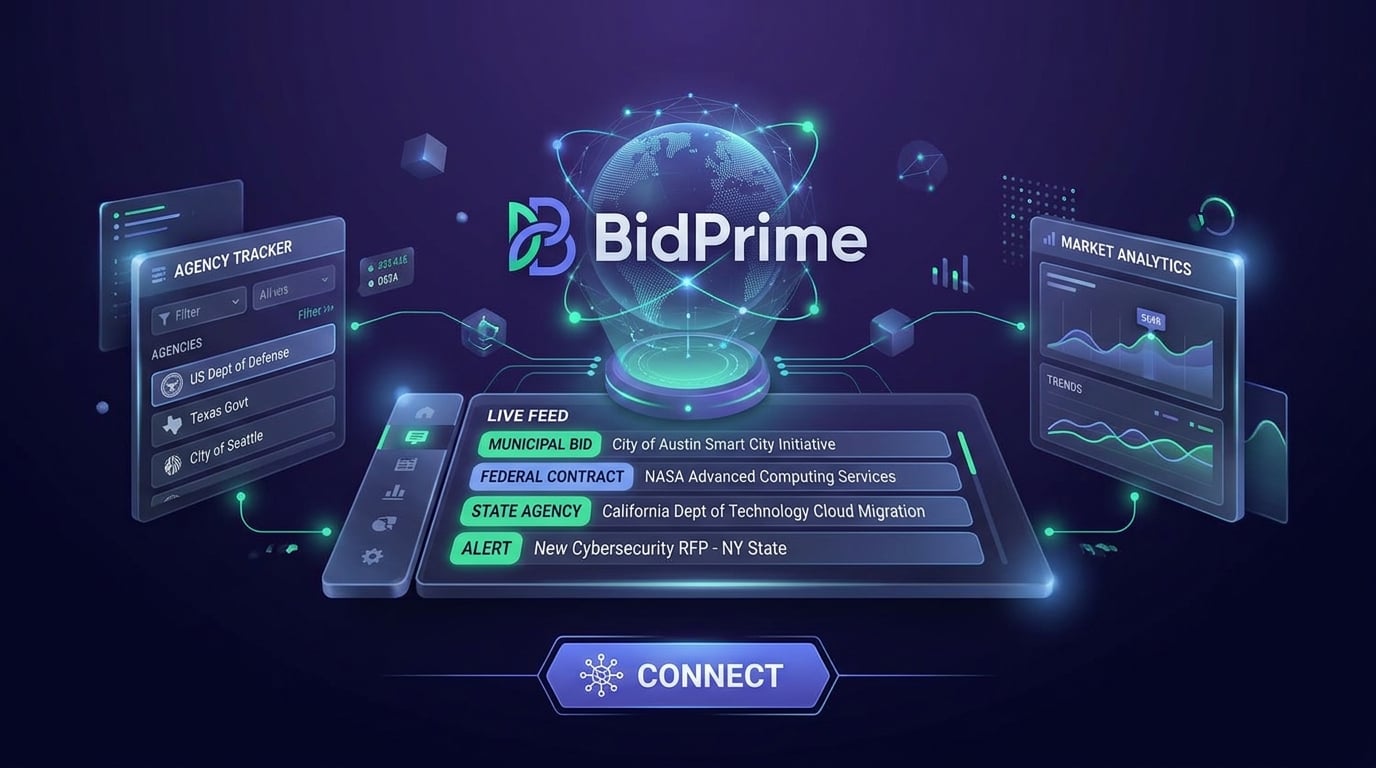
5. BidPrime

BidPrime procurement platform illustration

BidPrime is a fantastic platform for securing new RFPs. If you’re looking for viable government RFPs, this is a great option. BidPrime curates RFPs from the federal, local, and state governments, providing a host of contracting opportunities to agencies.

BidPrime offers three payment plans, namely Enhanced, Expert, and Enterprise. You can request a demo or ask for a quote from the company since flat-rate pricing is not available.

However, BidPrime does have a 30-day free trial (doesn’t require a credit card), so you can really see whether the platform is a good choice for you or not.

This gives you access to bids covered from the US and Canada, including military contracts. If you have a subscription to BidPrime, you can also get RFPs delivered straight to your inbox.

With over 110,000 entities covered across North America, this is definitely one of the more comprehensive resources for finding RFPs to bid on.

6. OpenMinds.com

OpenMinds market intelligence platform illustration

OpenMinds describes itself as an award-winning “information source,” and a business intelligence firm that caters to clientele across the globe. And, if you’re looking for RFPs, this is definitely a good option to consider.

Open Minds has more than 175 team members spread throughout the United States, with the company headquartered in Gettysburg, Pennsylvania. With a reach of more than 150,000 industry professionals, and with participants in more than 50 industries, including advocacy groups and committees, this is definitely a good place to find those hard-to-find RFPs.

The company claims that they manage the largest proprietary archive of market intelligence research and data. However, they mainly focus on specific niches, including:

  • Mental health
  • Addiction treatment
  • Child & family services
  • I/DD & LTSS
  • Social services
  • Chronic disease management

So, most of the projects you’re going to find will be related to these niches only.

7. Governmentbids.com

GovernmentBids procurement portal illustration

Governmentbids.com, powered by mdf commerce, is another excellent resource for finding government RFPs and bids.

They have a dedicated research team that tracks RFPs from a variety of different industries, sending daily notifications to users. There are plenty of RFPs in the IT sector, so that’s definitely good value for money.

There’s no free trial for this one, so you’ll have to shell out at least $44/month for the basic package. That gives you access to state and local RFPs. The most expensive package costs $131/month, offering access to awards, advance, and federal bids too.

To make sure you never miss a bid, you can always subscribe to their free email alerts. It’s an excellent portal if you’re looking for RFPs exclusively from North America.

8. Deltek

Deltek GovWin market intelligence illustration

Another excellent option is Deltek. GovWin IQ is one of their business development solutions, and it’s a leading platform that offers comprehensive market intelligence for those who’re looking for federal, state, and local RFPs.

It’s available in Canada too, giving you access to a variety of RFPs across multiple verticals. There are thousands of procurement contracts available, and applicants can tap into the entire GovWin network to find exclusive teaming partners as well.

Again, this is a subscription-based product, with prices varying depending upon the package you choose and the extent of market intelligence data that you require.

How to Win Competitive RFPs by Delivering Interactive Audits During Discovery

Finding a live design RFP is only the first step. When an organization issues a public request for proposal, your agency will compete against dozens of bids submitting nearly identical 40-page PDF decks.

Prospective clients rarely read dense static proposals cover to cover. To stand out and win competitive bids, top agencies shift discovery from abstract claims to immediate proof. Instead of attaching another PDF promise, deliver an interactive, white-labeled site audit directly on the prospect’s existing digital presence.

Highlighting actionable UX, performance, and SEO defects visually on their actual website shows the client you understand their pain points before signing a contract. When prospects can see specific problem areas pinned directly to live pages, they immediately understand the scope and technical clarity your team brings to the table.

Win more pitches by showing clients how seamless working with your agency will be. Deliver interactive audits with Atarim. Generate a Client Audit →

How To Win More RFPs

Now that you know the best places to search for RFPs, here are some tips on how you can win more RFPs and make your proposal stand out.

Bid on RFPs You Qualify For

Most RFPs are incredibly detailed and spell out the requirements before one applies. Remember, since you’ll be paying a fee each month just to find relevant RFPs, it’s imperative that you go through the requirements before preparing a proposal.

The proposal is obviously going to be incredibly detailed, so you need to make sure that you meet the minimum requirements. Otherwise, there’s a firm chance that your proposal will be rejected, no matter how good it is.

Comprehensively Research Your Prospects

If you want to win an RFP, you need to make your proposal stand out. And, the best way to do that is by conducting comprehensive research to find out everything you can about the company.

By researching a prospect, you can find out more details about their pain points, and structure proposals to really hit the mark. If it gets shortlisted, you can then negotiate in more detail with the company. Looking to scale agency capacity without overhead? Explore our Agency Partners Program for collaborative growth opportunities.

Go Through the Requirements Carefully Before Submitting a Proposal

A lot of RFPs require applicants to submit their proposals by following specific structural and formatting requirements. Before you start preparing your proposal, make sure you check whether the RFP has any such requirements or not.

These are tiny details, but overlooking them could mean that your proposal ends up in the rejection pile. It’s important to carefully go through the requirements first and note them down carefully before you start writing up the proposal.

Revise the Tone and Messaging in Your Proposal

Before you submit your proposal, it’s important that you carefully revise the tone and messaging. It’s important that you remove any redundancy from your proposal, and more importantly, highlight the value that you bring to the table.

The proposal needs to be carefully reviewed by an editor to stamp out any grammatical issues as well. The tone, ideally, should be upbeat and confident throughout.

Always Ask Questions Before Submitting a Proposal

Don’t think that the RFP is the only thing you have to go on when preparing a proposal. Many companies have a dedicated point of contact that you can approach in case you have questions.

This is incredibly important, especially if you’re not clear about anything. It’ll help you prepare a more comprehensive and detailed proposal that better caters to the needs of the issuing company. Factor discovery and interactive auditing into your delivery costs by reviewing our transparent pricing plans.

Conclusion

Creative agency owners are always on the lookout for new RFPs and upcoming projects. These are some of the best options available to you if you’re hunting for RFPs. It’s not necessary that you subscribe to all of these services, though.

Find a few that work for you, and stick with them. It’s also a wise idea to grow your referral network, as that’ll help you find more projects! And, it’s important to note that since RFPs on such platforms are available to the general public, there will be a lot of competition.

When submitting RFPs, companies more than likely don’t know you, so they will be judging you by your proposal. So be sure to pay close attention to detail and ensure it showcases you, your business & what you’re capable of in addition to what you’ve achieved with other clients.

How To Introduce Atarim to Your Agency’s Clients

Most internal teams don’t struggle to adopt new tools. 

But the moment you add an external collaborator – namely clients ? – into the mix, introducing a system that’s designed to make your life easier often initially seems to make life more difficult. 

  • You have to explain why you’re using a new system
  • You have to start convincing clients to use it
  • Rinse and repeat the above for every person who works internally at a client organization. 
  • And then you have to help them use it. 

So, as you can imagine, the topic of how to introduce clients to Atarim comes up quite a lot (especially among agency owners). 

The best part: Atarim was built from the ground up with this in mind. Every design and product decision (over the years of building Atarim) was made with the intention of keeping the experience of collaborating visually as easy as possible. 

So simple that it would make it easy for us to build sites for our parents – or grandparents, for that matter. 

That said, while our commitment to simplicity on the product side of things does go a long way in making this easier (from what we hear), we’d be lying if we said that it was always that simple. 

At the end of the day, you’re still introducing a new system that most clients will not be familiar with yet. 

“Every client is different” is a saying we’re all too familiar with. Yes – we, too, have worked with complicated clients back in the days of running the web design agency that ultimately led us to start Atarim. 

So, while we make no promises to alleviate that entirely – we can make it as easy as possible for you. 

We’ve put together a video for you to reuse as your own:

Atarim in 90 Seconds

Note: You’re welcome and invited to download this video file here to use it as your own (white label it to put your brand front & center) when introducing Atarim to your clients. 

WordCamp Europe 2024 – Our Recap ??

As we wrap up the first work week after WordCamp EU (and will all soon no longer be able to use the “settling back into our regular schedule” line), I wanted to take the time to share a write-up of our experience at this year’s WordCamp Europe in Torino, Italy.

The Atarim Booth & Our Experience Sponsoring

The Atarim Booth

This year marked a pretty significant milestone as we transitioned from being hallway sponsors to securing a spot in the main hall. We feel this was a move that not only elevated our presence, but also stands to pave a more clear path to ROI, as we anticipate the connections we made will yield substantial results in the coming weeks and months.

Note: This is not to suggest that the same isn’t true for sponsors of the smaller booths, but the larger booth this year was beneficial in a number of ways.

Mainly this meant that we were able to run more demos in parallel – especially when more of our team was at the booth – which is a good indicator of performance when attending events and tradeshows as a company.

The Atarim Booth

And beyond that, we were also far more discoverable (easy to find!). This is, of course, only logical – considering the price difference! The bigger booths are certainly a lot easier to both spot and identify. With smaller booths, it’s quite easy for people to miss the booth when 2-3 people are already standing in front of it and talking to us.

The True Value of Being A WordCamp Sponsor

After this year’s event (as likely happens every year, but this year in particular, we noticed the discussions), some companies speculated whether they actually needed to participate as sponsors in order to get value from the event.

The True Value of Being A WordCamp Sponsor

In theory, we could have had 5-10 people from our team at the event trying to drive value from just attending. In fact, quite a few companies do this every year, and it’s obviously accepted because not every company is able to justify becoming an official sponsor.

However, in our case, given our deep roots in WordPress and its community, I think it’s safe to say supporting WordCamps as a business is a worthwhile initiative. Of course, this somewhat depends on what your company does (perhaps it isn’t a good fit for the event), but events like these require sponsors to continue happening year after year, so the mentality to just extract as much value as possible without supporting them can be dangerous.

A New Community Embedded Into WordCamps Forged by Emilia Capital

A New Community Embedded Into WordCamps Forged by Emilia Capital

In case you missed it, or are new here, towards the end of 2022 we announced the completion of our initial funding round led by Joost de Valk and Marieke van de Rakt of Emilia Capital. And now, at (almost) every WordCamp we attend, a small subcommunity has formed that’s made up of other companies that are also a part of their portfolio.

A New Community Embedded Into WordCamps Forged by Emilia Capital

Many of these are companies following a somewhat similar path, facing similar challenges, and all working towards the mission of making the web a better place for everyone – all in their own unique ways. Three of these companies were also sponsors of this year’s event:

  • Extendify: Extendify builds on core WordPress and allows users to combine the ease of use of proprietary solutions with the flexibility of the open-source WordPress platform without the need for a legacy “page builder”.
  • Equalize Digital: Equalize Digital is dedicated to making the Internet work for people with disabilities. Thousands of agencies, developers, and content creators use their Accessibility Checker software to find website accessibility problems quickly.
  • PersonalizeWP: PersonalizeWP helps you track your website visitors, score, and segment, show personalized content, and increase your conversions and revenue.

Our 5-Year Anniversary and Launch of V4

The dates of the event this year conveniently coincided with two exciting milestones.

Atarim turns 5 – and so we celebrated our 5-year anniversary at WCEU. ??

And, on top of that, we rolled out Atarim V4 the day before WCEU started.

Our 5-Year Anniversary and Launch of V4

You might say launching a big release right before running live, in-person demos is a bit daring, but it paid off massively.

V4, which has been in early access for a few weeks prior to the public release, is a huge improvement to the platform across the board.

Those users who had been testing it prior to the public release shared this sentiment with us, but being able to run demos at an event immediately after the public release was just about the fastest feedback loop you could ask for.

We were putting the platform to the ultimate test.

Could it work on terrible conference WiFi? 

Could Atarim handle collaboration on any random site an attendee asks us to enter? 

Honestly, the list goes on.

And let’s just say our systems handled everything without breaking a sweat – and perhaps more importantly, we were able to avoid breaking a sweat running the demos. ?

Let’s take a look back in time for a moment.

We originally launched Atarim (as WP FeedBack) at WordCamp Europe in 2019, which was hosted in Berlin, Germany.

If you’ve attended a WordCamp before you’ll know that a good number of people that attend WCEU, attend WCEU every year.

We’re very fortunate to have had some supporters (and users) remain with us from back in Berlin, and seeing us transition from a simple plugin to where we are today – building and refining a solution that helps teams all over the world.

As for some quick notes from the V4.0 feedback we’ve gotten, it’s clear that the biggest attention-grabbers on the product side were two new features:

  1. Our new Chrome extension: Being able to collaborate directly in Chrome so that you can collaborate on logged-in experience, SaaS platforms, etc.
  2. Workflows & Automations: Being able to design your ideal workflow with built-in (yes, native) “if this, then that” automations.

#1 is not really that much of a surprise – it’s one of the features I’ve personally been most excited about, because it means that we’re going to use Atarim to work together as we build Atarim.

And #2 was expected because many teams (again, us included) also use other project management platforms such as Slack and Jira, and although we already had integrations with them prior to this release, the introduction of Workflows takes what can be done with those integrations a significant step further.

Learn more about everything new in V4 here.

Looking Ahead: Atarim Turns 5 and Continues to Grow Up (Quite Literally)

The first part of 2024 has been a transformational six months for Atarim as the product matured. We began working with companies using it in an enterprise context, from internal teams that use Atarim as a part of marketing, product feedback loops, QA, and beyond.

Our work on all fronts is very far from done, and we’re excited to keep pushing the boundary of what we can do on the product and engineering side – making sure every part of using Atarim is as delightful an experience as we want it to be for ourselves.

As with every year, it goes without saying that all of the amazing conversations and connections we made at this year’s WordCamp with WordPress developers, large brands, enterprise-grade agencies, and more are what make this possible.

Next Stop … Basel, Switzerland

Basel, Switzerland

We look forward to being at WordCamp Europe next year in Basel, Switzerland, and hope to see many of you there. If you’ve never made it to a WordCamp and are thinking about coming along, do it! We’d love to see you there and I’m confident you’ll love it!

Also, if it makes it any less daunting, connect with our team ahead of time and we’ll look forward to hanging out when you make it to Basel.

And in honor of being in Switzerland this time next year: Bis bald! ?

Introducing Our Integration & Partnership with Dollie

Today, we’re beyond excited to announce that we’re partnering with Dollie – the WordPress Growth Platform. Everything you need to manage & grow your WordPress business, trusted by thousands of WordPress professionals.

At Atarim, our mission is to help teams ship their best work. Every improvement we deliver, new feature we ship, and company we partner with serves this mission.

And that means we partner with companies that share our mission. Dollie is a prime example of such a company. There are two core parts to this integration and partnership:

  • Start collaborating on any website in a single click straight from your Dollie dashboard
  • Easily view tasks on all of your sites at a glance directly in your Dollie dashboard

Here’s a quick tour:

Why We’re Partnering & What This Means

In our (yes, somewhat biased) view, both Dollie and Atarim are one-of-a-kind products. We’re approaching existing, known, and big problems with an angle and solution that is fundamentally new and/or different.

Dollie = 100% focused on helping you grow your WordPress business.

Atarim = a better way to work together, visually.

With this integration and partnership, we aim to make Atarim more easily accessible to Dollie users so they can enjoy the benefits of a one-click collaboration experience at the click of a single button straight from their Dollie dashboard.

And, beyond that, Dollie users can now also view – at a glance – the tasks that they have on their sites, as shown below:

We’re truly excited to partner with Dollie. This integration opens up immense possibilities for better resource management and workflow efficiency, ultimately allowing teams to work smarter, not harder.

Vito Peleg, Founder & CEO of Atarim

New to Dollie? Here’s what you need to know.

We’ve been fans of Dollie since we first came across their platform and had the pleasure of meeting their founder, Bowe Frankema.

There are a lot of companies that operate in the hosting space – especially in and around the WordPress industry. Dollie is one of the few that I think is taking quite a unique approach and angle with how they solve hosting and infrastructure-related problems, as well as problems around this area (including with the help of AI).

Note: We’re already planning to write a more in-depth review of Dollie and everything they offer, so stay tuned!

Atarim perfectly aligns with our goals. Our ambition has always been to simplify work for WordPress businesses, and teaming up with Atarim amplifies that goal. By combining forces with Dollie, we enable agencies to offer top-tier services with better workflows and increased profit.

Bowe Frankema, Founder of Dollie

Atarim is the leading visual collaboration platform trusted by thousands of teams worldwide (from web dev/design agencies to software companies) to completely overhaul how they work with their clients & teams:  

  • Curbing people’s tendency to send in requests wherever suits them best – WhatsApp, Email, scanned annotated printouts of a webpage (yes, we’ve seen it all, as have our users, and we’re tired of it).
  • Mitigating scope creep – where clients “sneak in” more work (expecting it to be included in the original agreement).
  • Trusted by 13,000+ teams (product, engineering, and growth) worldwide.
  • Supporting project delivery for 1,200,000+ of their teams & collaborators.
  • Deliver projects in weeks instead of months.

A solution built based on years of experience dealing with the most common challenges agencies face. This partnership announcement highlights the importance we put on providing agencies with the best combination of tools possible. With a large number of integrations already possible through Atarim, such as Convesio, Visual Composer, Zapier, Rocket.net, Zendesk, Basecamp, Slack, and many more, you can find out more about Atarim’s integrations here.

The 9 Essential Web Design Tools For Professionals in 2024

In this guide, we share our shortlist of the best web design tools on the market, as well as how we & our community use them to deliver projects faster, better, and with confidence. 

Over the past year, we’ve seen significant movement in what designers and developers expect from the tools in their stack – demanding more and more. 

Today’s tools are all about collaboration, real-time feedback, and seamless integration between the design stage and development. One example you’ve likely come across that does this is Figma’s dev mode.

So, without further ado, let’s dive in – here are the tools & software trusted by seasoned professionals at industry-leading companies to deliver their best work:

Types of Web Design Tools (Categories)

We’ve broken up our shortlist of tools into types (categories) so it’s easier to follow since there are multiple tools per category/type, but most will only need one for each use-case: 

UI/UX Design Tools: Think of where you go to create your design system, map out flows before you bring design work to the development stage (wireframing, prototyping and testing layouts).

Collaborative Tools: Collaboration is now a fundamental part of how design teams work in today’s digital landscape, with teams often spread across different locations and time zones. Good collaboration tools such as Atarim have become an indispensable part of the way design teams communicate and manage the workflow efficiently.

Typically, these tools provide a platform for designers, developers, and stakeholders to come together to review, comment, and approve designs either in real-time, or asynchronously.

Graphic Design Tools: These are the design tools that are essential for creating all of the visual elements of a website, giving it its visual appeal and unique identity. From logos and icons to illustrations and other graphical elements, a good graphic design tool should allow designers to create depth and context to a design, and provide a versatile range of functions.

Code Editors: Following the graphical design, it’s time to turn beauty into functionality. These tools provide developers with an environment in which they can write, edit, and test code. Good tools include user-friendly and customizable interfaces, extensive plugin ecosystems, and a full range of integrated development features.

UI/UX Design Tools

Figma

Figma remains a popular choice of design tool for UI and UX, largely due to its cloud-based, collaborative approach. This means that design teams can work together on a single design, regardless of where they’re located. Collaboration in real-time is seamless, and can be used to support the design process from the initial ideation all the way through to prototyping, and is ideal for getting feedback on design ideas.

The collaborative way in which Figma allows teams to work simultaneously on design ideas helps to speed up the feedback and iteration process, and for designers who are working as part of a team, Figma remains an ideal tool for streamlining the design process and increasing overall productivity.

Key Features

  • Real-time collaboration
  • Vector networks for flexible design
  • Comprehensive plugin ecosystem
  • Built-in prototyping capabilities

Pricing

A free tier is available, which is ideal for a limited number of projects. Beyond this, you’ll need a professional plan, which starts at $12 per editor, per month.

Adobe XD

Adobe XD has been around for nearly 7 years already, and has continued to grow to become one of the most powerful tools for creating UX for websites. One of the great features of Adobe XD is that it integrates seamlessly with the entire Adobe Creative Cloud toolbox, which means you can switch easily between different formats, tools, and disciplines.

With a repeat grid function that lets designers quickly and easily duplicate design elements, and an auto-animate feature that helps bring prototypes to life, XD is a hugely efficient design-to-prototype tool. This is especially suitable for designers who are particularly focused on adding interaction and motion into the UX/UI.

Key Features

  • Co-editing for real-time collaboration
  • Voice prototyping
  • Adobe Creative Cloud integration
  • Responsive resizing

Pricing

A free starter plan is available, with paid plans starting from $9.99 per month, per user.

Sketch

Sketch has been a primary design tool of choice for many designers in the digital world, with a focus on screen design. It provides a vector-based approach that is ideal for high-fidelity user interfaces or prototypes.

With a unique symbol system and reusable elements, it’s an extremely efficient tool, especially for more complex interfaces where it’s essential to make sure elements are consistent. With a focus on simplicity and efficiency, it’s the preferred tool for designers who are focused on clean, scalable designs.

Key Features

  • Vector editing
  • Non-destructive editing
  • Extensive plugin library
  • Symbols for reusable components

Pricing

Sketch is available at $9 per user, per month, billed annually.

Collaborative Tools

Atarim

Atarim is the visual collaboration platform trusted by industry-leading teams to collect, triage, and action tasks on design projects. Like sticky notes on a webpage, your product UI, or ad creative, but better – ship your best work, together. 

Over 80% of time on any design project is wasted in meetings or playing email ping pong. Teams use Atarim to buy back this time, freedom, and sanity.

Sidenote: Hey, that’s us ? (and yes, we use Atarim as a part of our own process, of course)

Key Features

  • Visual feedback system
  • Task automation
  • Agency dashboard for managing multiple projects
  • Integration with popular project management tools

Pricing

A Free Forever plan is available that supports 1 user and 3 active projects. Premium plans start from just $20 per month.

Graphic Design Tools

Canva

Canva has opened up the opportunity for great graphic design to almost everyone, but despite this it’s still packed with tools. Offering a simple, intuitive, drag-and-drop interface with a huge library of templates, Canva makes professional graphic design readily available.

But it’s not limited to just templates, with a range of tools that make it easy to create a wide range of visual content quickly, from social media graphics to presentations, and ads to page headers. Ideally suited to non-designers and professionals alike, it offers a slick interface that converts plans to polished designs without the need for extensive design skills or a lengthy training period.

Key Features

  • User-friendly interface
  • Extensive template library
  • Drag-and-drop design
  • Wide range of stock images and fonts

Pricing

There is a free basic plan, with pro plans starting at $12.99 per month.

Adobe Illustrator

When it comes to vector graphics editing, Adobe Illustrator sets the gold standard, offering unrivaled tools for creating logos, icons, drawings, typography, and complex vector illustrations. It’s a hugely versatile tool, offering enormous versatility and an unmatched range of tools for creating designs that are unmatched. It’s no surprise that, 40 years after its original launch in 1983, Adobe Illustrator is the favorite design tool of choice by professional graphic designers and illustrators.

With its comprehensive set of features and tremendous flexibility, it’s an indispensable tool for professional graphic design work, and the perfect choice when it comes to detailed vector artwork and designs.

Key Features

  • Sophisticated vector drawing tools
  • Gradient meshes
  • Advanced color controls
  • Brush customization

Pricing

Plans start at $22.99/month.

Code Editors

Visual Studio Code

Visual Studio Code is a completely free tool that successfully combines the simplicity of a code editor with the power of a sophisticated Integrated Development Environment (IDE). It offers support for a huge range of programming languages and frameworks, and is highly customizable, allowing developers to adapt the interface and functionality to suit their own needs and preferences.

VS Code has a reputation for efficiency and flexibility and is one of the most popular choices for developers looking for a stable, robust, and versatile coding environment that’s ideal for both front-end and back-end development.

Key Features

  • IntelliSense for smart completions based on variable types
  • Function definitions & imported modules
  • Built-in Git commands
  • Vast ecosystem of extensions

Pricing

Completely free.

Sublime Text

With the popular coding editor Atom being sunsetted, many developers who don’t opt for VS Code are instead choosing Sublime Text, a sophisticated text editor for code and markup. This is largely due to its reputation for both speed and efficiency, offering a slick user interface that packs a wealth of features.

Sublime Text is highly customizable, and supports a wide range of programming languages, which makes it ideal for developers working on either web projects, apps, or software development. It’s able to handle large files efficiently, and has an extensive plugin ecosystem. With a recently refreshed UI, and the addition of context-aware autocomplete, syntax definitions, optional GPU rendering, support for Typescript, JSX and TSX, and Regex find-and-replace, it’s a powerful tool that should be considered seriously by any developer in 2024.

Key Features

  • “Goto Anything” for quick navigation to files, symbols, or lines
  • “Multiple Selections” allowing users to make changes in multiple places simultaneously
  • Customizable key bindings, menus, and snippets
  • A powerful API and package ecosystem

Pricing

Free to download and use for evaluation purposes. If you continue to use it, you must purchase a license, which costs $99 and includes 3 years of updates.

After Action Report – Handpick Your Ideal Web Design Toolkit

We hope you found this compilation of the very best web design tools out there helpful. 

In short, the main ones in our stack are: 

  1. Atarim: yes, our own product, we built it for internal use first after all! Used to collaborate on anything once it’s out of Figma (i.e. real UI/not mockups/design specifications). 
  2. Figma: for all complex design work including product design of Atarim.
  3. Canva: for simpler graphics on social, etc. 

Choosing the right tools is about more than just following trends and trying to keep up with the hype – you need systems and solutions that streamline your workflow. 

We recommend keeping things lean and simple. Unless there are good reasons to do it differently, you really only need one solution like Figma for prototyping and designing, a platform to collaborate on your designs during and after dev, Atarim, and something for your marketing and growth team to whip up simpler graphics for social media. 

With Atarim, you can use simple point-and-click collaboration to enable clients to point at what they’re referring to on any live web page, and immediately leave feedback, say what needs to be changed, and so much more. 

If you want to receive feedback that makes sense, make it easier to collaborate with clients, and finish projects in days instead of weeks, sign up to Atarim today – with paid plans from just $20 per month.

  • Integrated into the leading visual collaboration platform trusted by 13,000+ agencies (web dev, design, and beyond) worldwide.
  • Supporting project delivery for 1,200,000+ of their clients and stakeholders.
  • Deliver projects in days instead of weeks.

Our 2023 Year In Review – A Recap & Look Ahead

Welcome back to the annual “Atarim Year in Review”!

First off, Happy New Year – here’s to 2024! ??

We think at the dawn of a brand new year, it’s important to take a moment, consider exactly how far we’ve come, and understand our long-term journey.

Too often, we can find ourselves lurching from one task to the next, taking our eye off the bigger picture, and forgetting just what progress has been made. We encourage you to do the same… 

…but for now, here’s the Story of Atarim in 2023.

In 2023, Atarim and our amazing community reached new heights together:

  • 517,244 total tasks … saving people from creating over 1M+ back-and-forth emails, WhatsApp messages, and more from being sent.
  • Eliminated 6.42 years of work … for users across over 300,000 tasks for our users (based on average time saved per task completed).
  • Prevented 1,407 phone calls … for tasks users marked as critical.
  • Saving teams on Atarim from spending a total of over a quarter of a million hours in Zoom calls and Slack chats.

… and, last but certainly not least, teams using Atarim completed a total of 50,000 projects that were successfully completed and marked as approved after change requests & feedback from stakeholders.

Another Year, Another WCEU. This Time in Athens, Greece!


WordCamp Europe 2023 Attendees

I’m nearing my third anniversary at Atarim, and what an incredible journey it has been. This year has brought new responsibilities and raised expectations. I had the opportunity to attend my first WordCamp in Athens, represent Atarim at Cloudfest, and play a key role in organizing our Web Agency Summit, which turned out to be the most successful one to date.

Reflecting on this year, I am immensely proud of the progress we’ve achieved, both as a team and as a company. I’m thrilled about the prospect of taking our achievements to new heights in 2024.

– Disha Pegu, Marketing & Partner Manager at Atarim

Enjoy our full recap of WordCamp Europe 2023 here.


From left to right: Disha Pegu, Vito Peleg, Dave Nesbitt


From left to right: Justin Arnold, Disha Pegu, Dave Nesbitt, Alex Panagis

Empowering Innovation: A Year of Growth in Our Development Teams

The year has flown by, and it’s hard to believe we’re already approaching 2024 as we write our reflections on 2023. Leading the development team has been a remarkable experience.

This year, I’ve gained substantial insights into developing a platform like Atarim, and the team’s dedication continually inspires me to broaden my understanding of both front-end and back-end development. 

We’ve made significant progress as both a product and a company, and we’re excited to welcome new members to our team in pursuit of our ultimate goal: making the web more collaborative.

Observing Atarim being used by large companies to achieve their objectives through easy and efficient collaboration has been the most rewarding part of my job. I’m looking forward to continuing this in an even more impactful way in the upcoming year.

Revolutionizing Design: A Year of Bold Changes

This past year in the design department has been a whirlwind of innovation, and I’m thrilled to share some highlights with you.

We’ve transformed our aesthetic, moving away from dark backgrounds to embrace a brighter, more vibrant look.

Our focus has shifted to clean white spaces and engaging gradients that you’ve probably noticed across our social media platforms. Plus, our distinctive shape now features prominently in all our images. Have you spotted them?

Here’s a fun thought: imagine if the number of shapes in each post spelled out a secret message. Just kidding… or am I? I believe this shape is a defining element of our brand and should be integrated into everything we do. This subtle addition has really helped unify our brand’s presence on social media.

There have been exciting updates to the app as well, including new features like forms and the sharing modal. These enhancements have been a significant part of my year.

Looking forward, the upcoming 4.0 version is set to be a game-changer. It will not only revolutionize the design and user experience but also include quality-of-life improvements to enhance your workflow.

This year also marks my first anniversary with Atarim, and what an incredible journey it’s been. I’m eager for the years ahead to continue to create stunning and functional designs for everyone to enjoy.

– Dave Nesbitt, Designer at Atarim

Attending WordCamp Asia As A Team (And Sponsors!)

The year kicked off with an inspiring team retreat in Thailand. Meeting our colleagues face-to-face deepened our understanding of each other, significantly impacting how we collaborate. 

It was refreshing to transform Zoom silhouettes into real people with genuine faces and smiles.

Moreover, Vito, our CEO, did an exceptional job in reinforcing our company’s vision. He eloquently clarified the problems we aim to solve for our users, the objectives we help them achieve, and the key areas we’re focusing on as we develop Atarim.

My current focus is on the development of the Atarim Chrome Extension. I’m dedicated to enhancing the experience of collaboration, especially regarding in-app interactions. This includes shipping product UI changes together, and streamlining processes that would typically require Jira tickets. We’re addressing the challenge of 1-click URL-based collaboration being limited by login-protected pages, which aren’t publicly accessible.

– Hassan, Full-Stack Software Engineer at Atarim

This Year in Support

Our support team has impressively handled over 7,200 support tickets from more than 3,250 users this past year.

We’ve been diligently working to enhance our product and documentation, aiming to ease the pressure on our support system. Despite the increase in our user base, it’s encouraging to see that the growth in support requests has been proportional to our user expansion.

Receiving positive feedback and expressions of gratitude from our users when interacting with support is always heartening. A special shoutout to Pete for his outstanding leadership of the support team and for making this possible. ?

As seems to be becoming a tradition with these year-in-review posts, it’s important to note that what we’ve mentioned here is just the tip of the iceberg. There’s so much more we’ve accomplished this past year, and we’re excited about what’s on the horizon for the next year.

We hope you enjoyed sharing this review of our journey with Atarim through 2023!

If you have any questions, suggestions, or feature requests – please feel free to get in touch. We’re here to help, and always happy to hear from you (simply email support@atarim.io or use our in-app support messenger).

We also invite you to join our community on Facebook!

Best of luck to all of you in 2024! ❤️